ARTICLE
From idea to live product in a day
Mark Thurman
Last updated:
July 16, 2026

ARTICLE
From idea to live product in a day
Mark Thurman
Last updated:
July 16, 2026
Building URL Valet with ShipStudio
I have a small, specific annoyance. Every time I copy a link to share it — from a newsletter, a social post, an Amazon page — it comes with a tail of tracking gunk stuck on the end. You know the type:
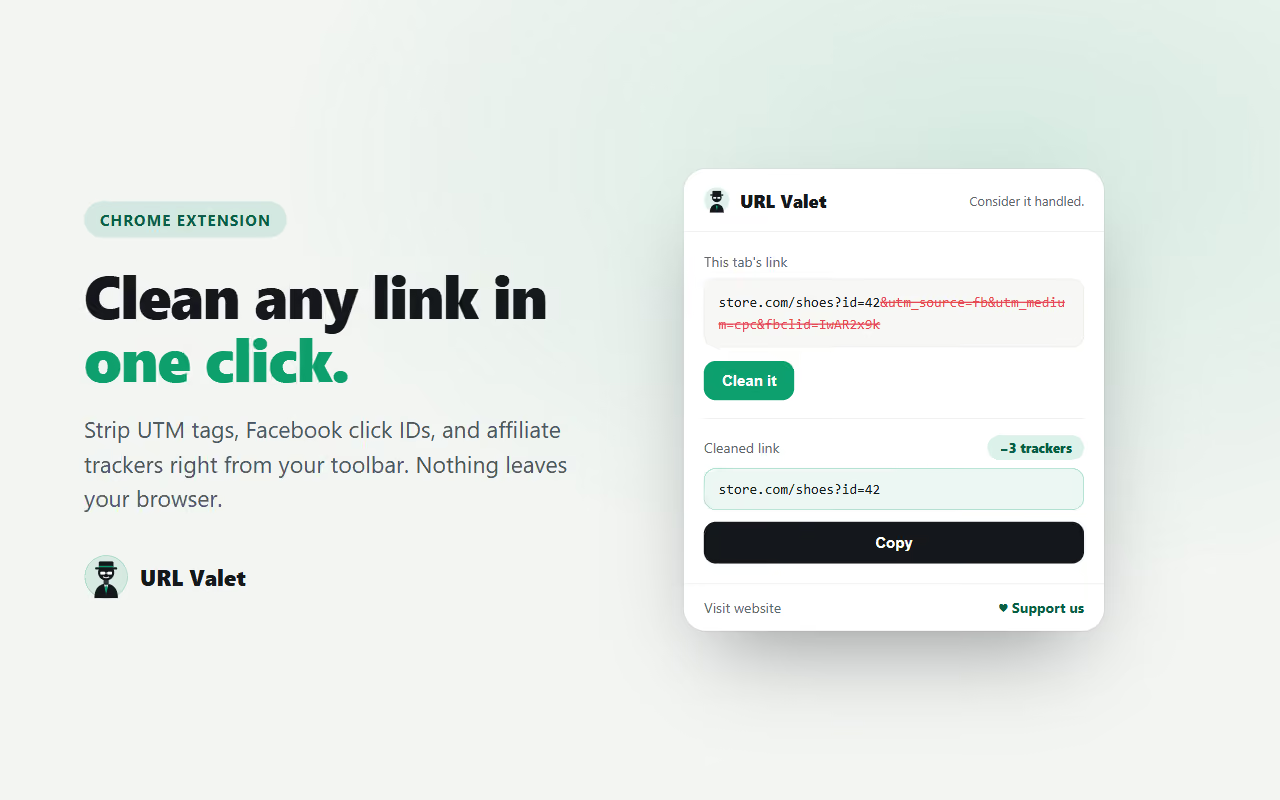
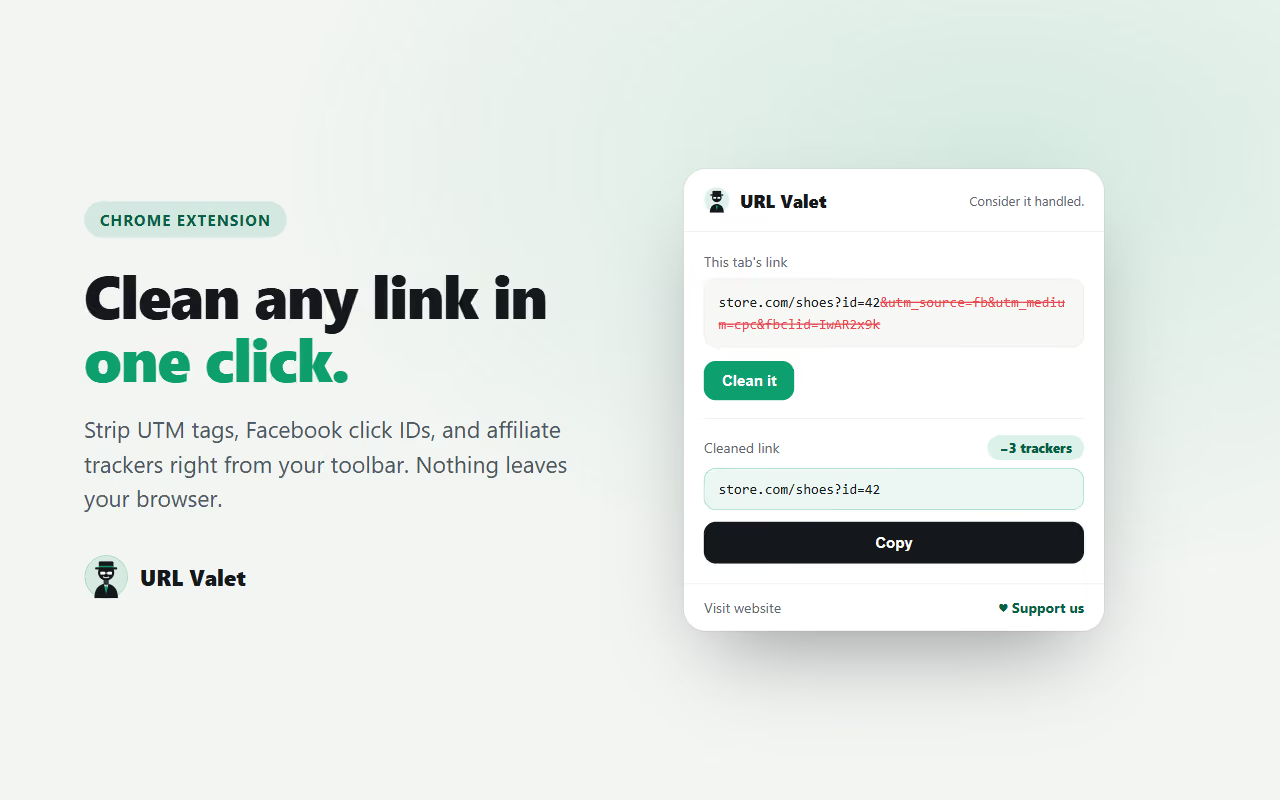
store.com/shoes?id=42&utm_source=fb&utm_medium=cpc&fbclid=IwAR2x9k...Half of that isn't a link. It's a set of tracking parameters that tell various companies where I came from and what I clicked. It makes the link ugly, and when I forward it, I'm quietly passing that tracking on to whoever clicks next.
So I built a tool to clean it. It's called URL Valet, it's live, and the whole thing — a web app and a Chrome extension — went from a written brief to a deployed product in a single day. This post is about the tool, who it's for, and how the build actually went using ShipStudio.
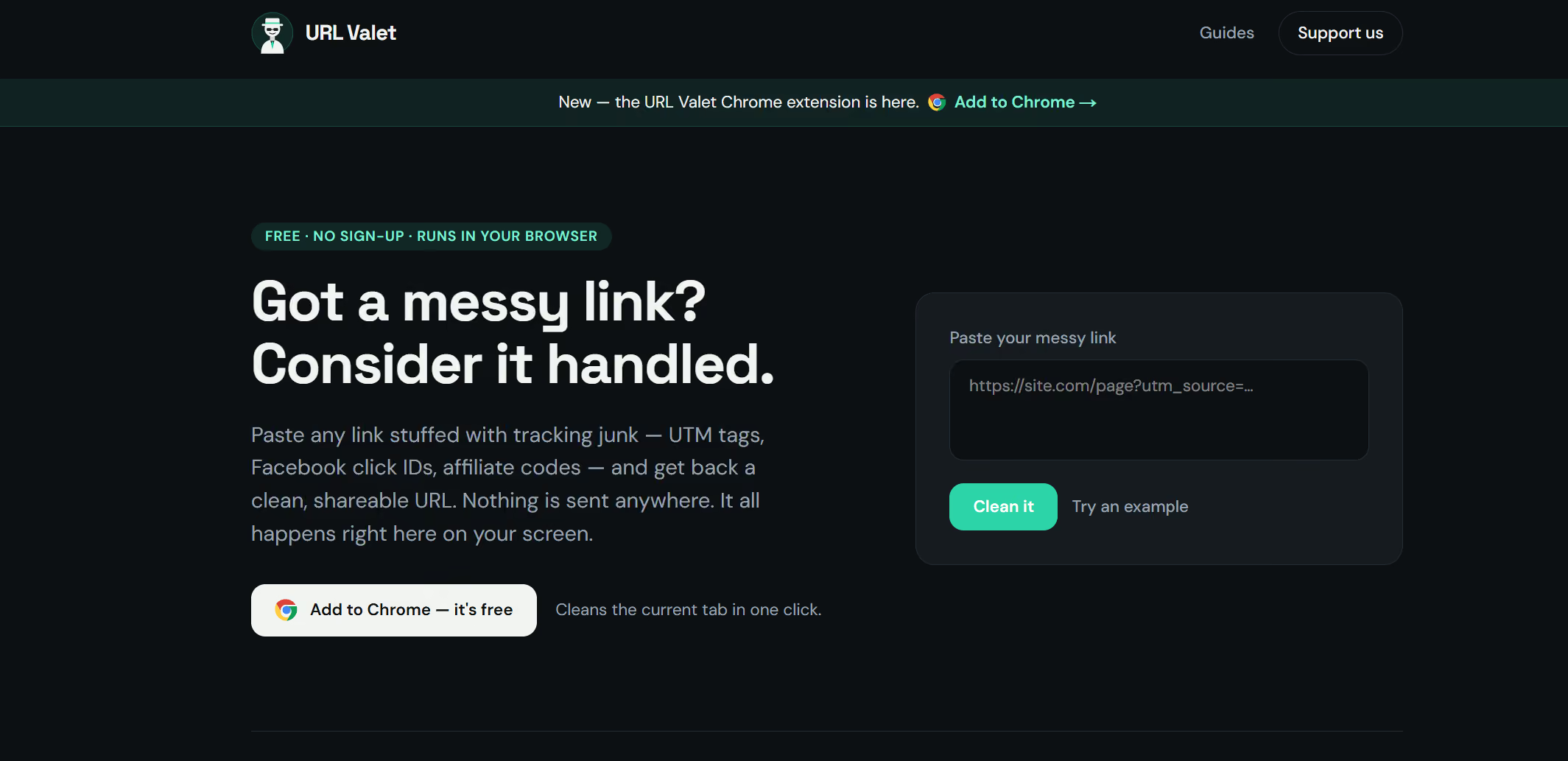
Paste a messy link, get a clean one back. That's the whole thing - nothing more.
Under the hood it strips the known tracking parameters, the entire utm_ family, Facebook's fbclid, Google's gclid, affiliate tags, email-marketing codes. All while carefully keeping the parts that actually make a link work. Search terms, page numbers, product IDs, and the v= that loads a YouTube video are never touched. If a link is already clean, it tells you and leaves it alone.
Most importantly, it all happens in your browser. Nothing gets sent to a server, logged, or stored. There's no account and no sign-up. It's a utility, not a data grab.
I built it for my own itch, but a few groups get the most out of it:
That last group is why I built two versions of it.
The plan was a hybrid: a website for people who search for this kind of thing, and a Chrome extension for people who want it one click away in their toolbar.
The web app is the front door. It's also where a bit of writing lives — plain-English guides on what UTM parameters are, how to remove fbclid, and why cleaning links is worth the two seconds. That content does double duty: it's genuinely useful, and it's how the site gets found in search.
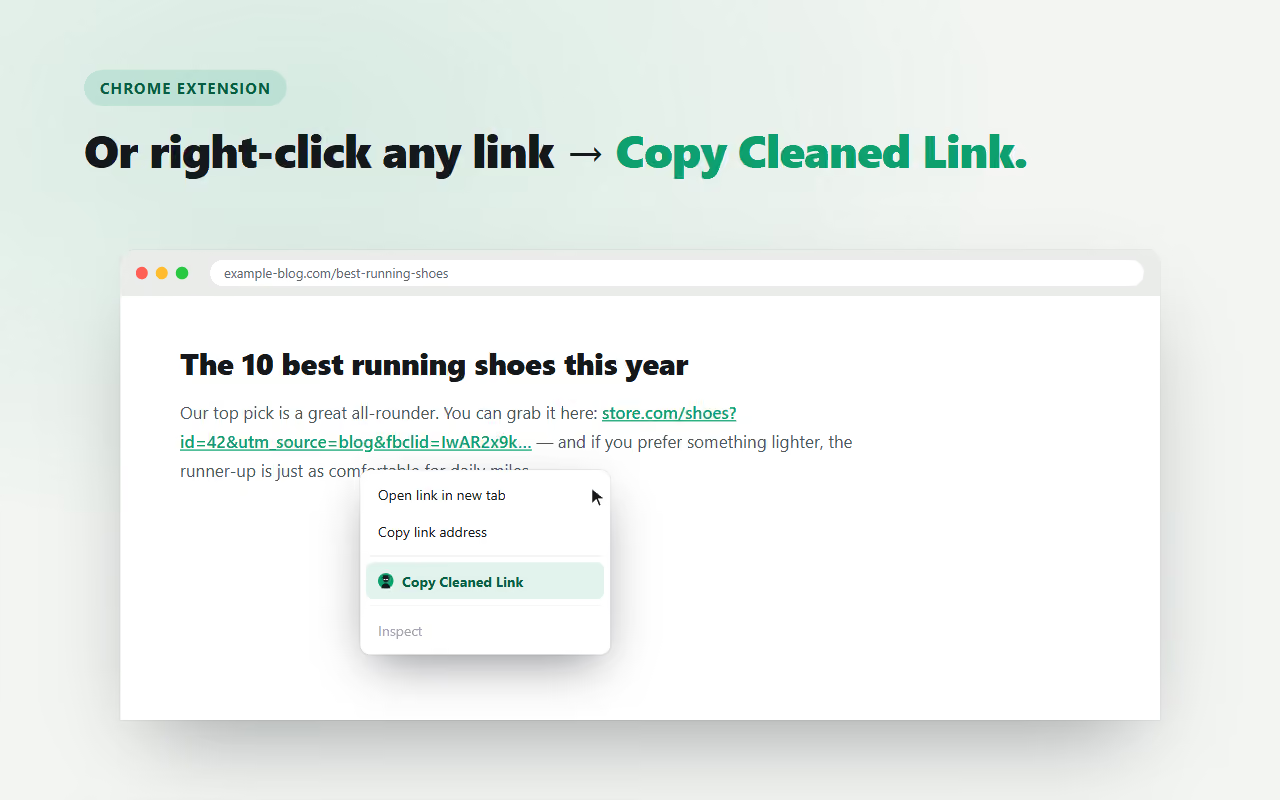
The Chrome extension does the same job without leaving the page you're on. Click the toolbar icon to clean the current tab's link, or right-click any link and pick "Copy Cleaned Link." Same result, less friction.
The part I'm happiest about is that both share the exact same cleaning logic. One list of what to strip, one list of what to protect, used in two places. So the extension and the website can never disagree about what a "clean" link is.
Here's the honest version of how fast this went, because the speed is the actual story.
I started with a strong Product Requirements Doc (PRD) — the working name, the two-product idea, the list of parameters to strip. From there, working inside ShipStudio, I mostly described what I wanted and watched it get built and deployed. A few things stood out:
The result: a live, secure, multi-page site on its own domain, plus a Chrome extension packaged and submitted to the Web Store for review — in a day. If I'd done the plumbing by hand, the domain-and-deploy dance alone would have eaten most of that time.
The extension is in review, and once it's live I'll wire an "Add to Chrome" button into the site. After that it's the slow, patient work every small product needs: let the site get indexed, see which guides people actually find, and keep the strip/keep lists current as new trackers show up.
UPDATE: The extension is now live and available on the Chrome Webstore for Free
If you share links — and everyone does — give URL Valet a try. Paste something messy and watch the tracking fall off.
And if you've got a small idea sitting in a notes app because "the setup would take a weekend," this is my nudge: the setup is the part that's gotten cheap. Building URL Valet reminded me that the gap between "I wish this existed" and "here's the link" is a lot shorter than it used to be.
Get Your Instant Estimate
Find out your project cost in under 60 seconds.